Large library control
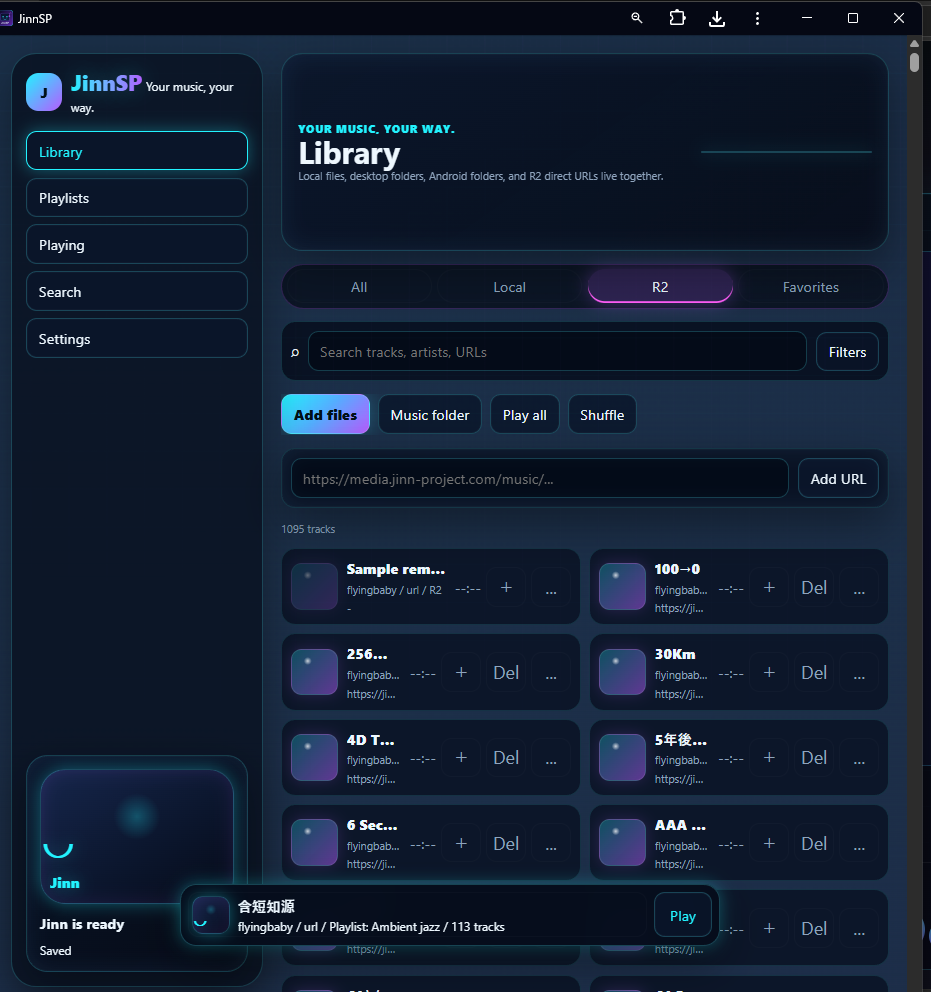
Manage large track sets, search the library, and filter by source and tags.
 JINN PROJECT
PUBLIC APP
JINN PROJECT
PUBLIC APP
JINN PROJECT / PUBLIC APP
Your music, your way. JinnSP is an installable music library and playlist player for large personal collections, direct media URLs, and local files.
FEATURES
JinnSP focuses on practical playback and library control without locking your music into a platform.
Manage large track sets, search the library, and filter by source and tags.
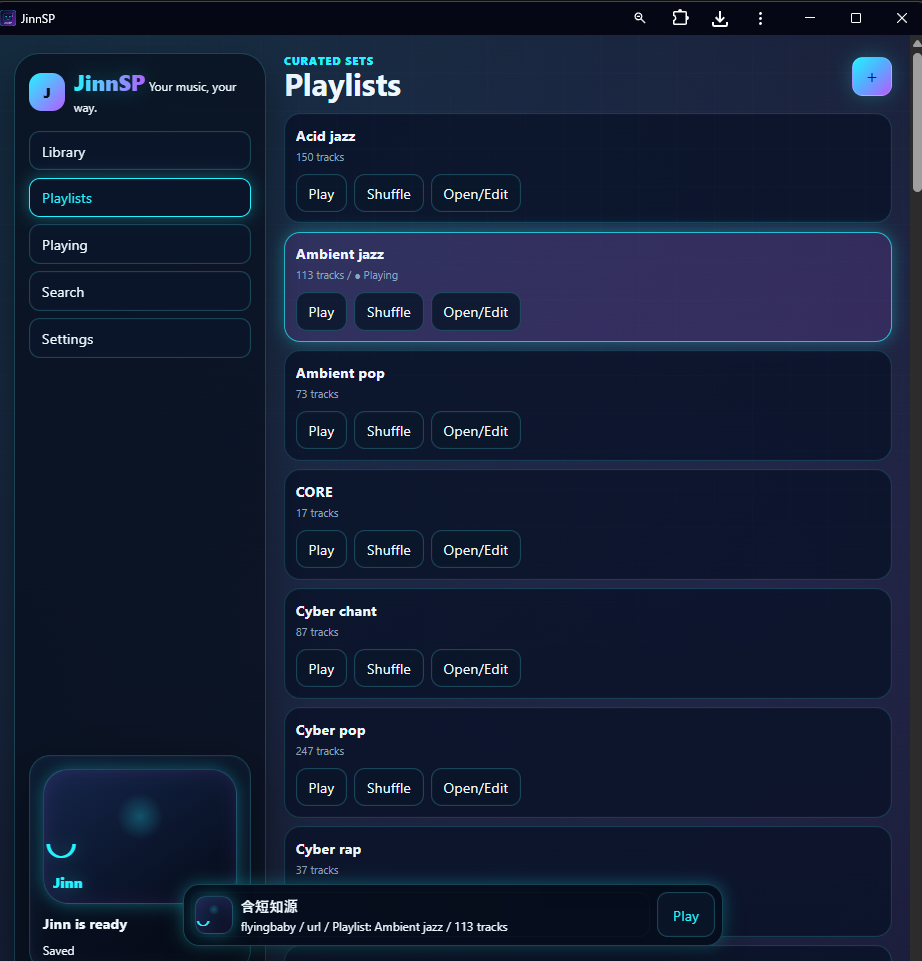
Create playlists, play them directly, shuffle within the playlist, and search inside large lists.
Use local files where the browser or Android file access allows it, and play direct HTTP/HTTPS media URLs such as R2-hosted audio.
Queue, repeat, favorites, background audio, and Media Session metadata for supported lock screens and browsers.
CSV import/export for editable lists and JSON-based backup/restore for app data.
Runs from the browser and can be installed on supported desktop, Android, and iOS environments.
PLATFORMS
Capabilities vary by browser and operating system, especially for local files and lock screen controls.
Direct URL playback, CSV workflows, backup/restore, and installable PWA behavior are supported by modern Chromium browsers. Local file persistence depends on browser file permissions.
The Capacitor build keeps Storage Access Framework folder access, saved preferences, background playback, and Media Session support.
Safari and Home Screen PWA playback are supported within iOS limits. Lock screen next/previous buttons may depend on iOS Media Session behavior.
The app shell is cached by the service worker. Remote music URLs still require network access, and local file access depends on the platform permission model.
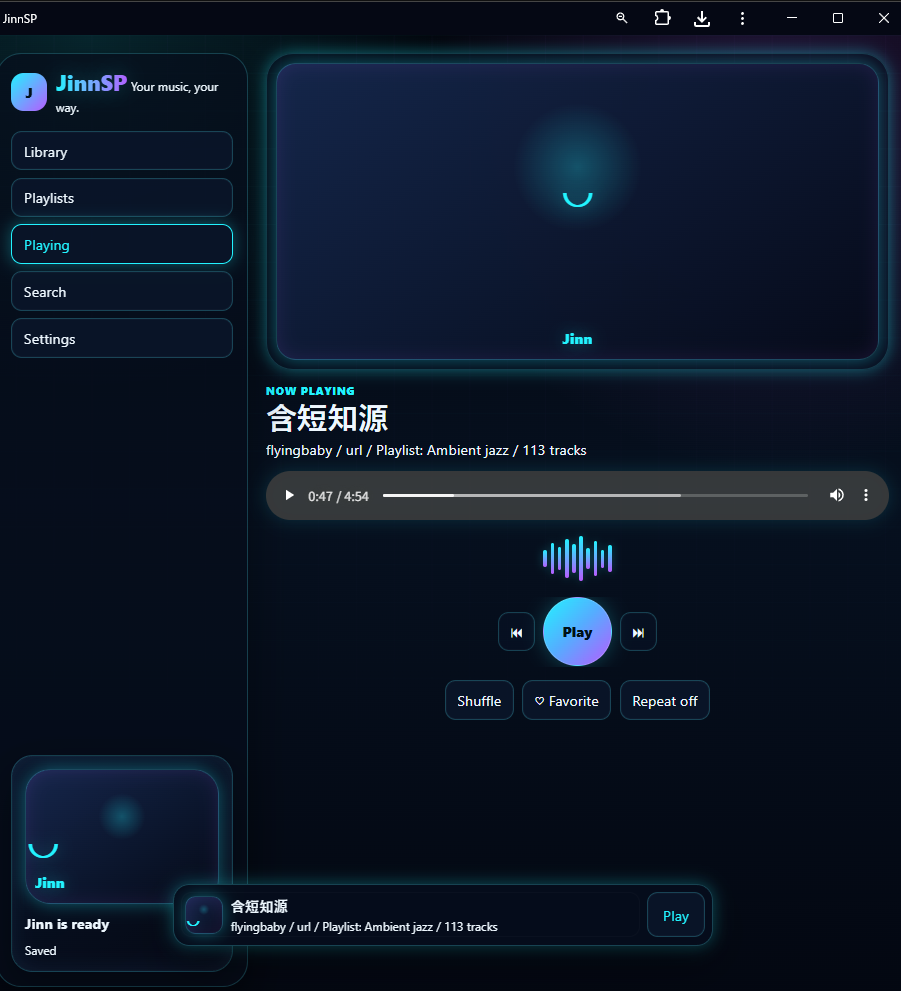
SCREENSHOTS
Real views of the library, playlist management, playback controls, and mobile layout.

OFFICIAL PLAYLISTS
Download an official Jinn Project library file, then import it from Settings → Restore backup in JinnSP.
Import the complete Jinn Project music library as a single JinnSP backup file.
Download All.jsonStart with a smaller genre collection instead of importing the complete library.
Download genre libraries built around cyber, electronic, pop, rap, and chant styles.
Download one JSON file, open JinnSP, and select Settings → Restore backup. Restoring a file replaces the current library and playlist data, so download a backup first when needed.
Open JinnSPSTART